


InstallationLCD Projectors
PT-MZ20K SeriesPT-MZ20KL / PT-MZ17KL / PT-MZ14KL / PT-MZ11KL
Media Processors
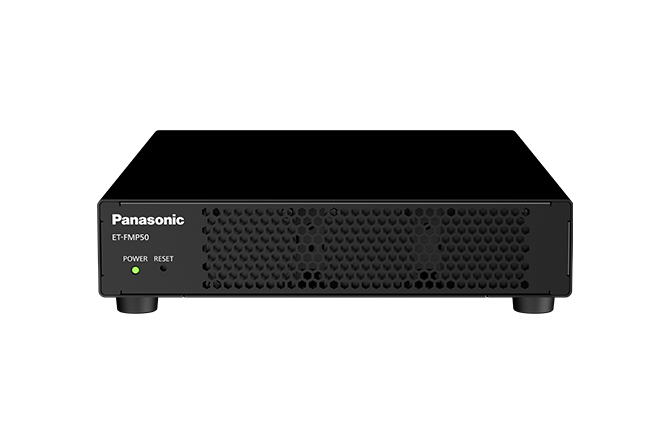

Note: For more information on the ET-FMP50 Series, please click here.
Lens
-
-
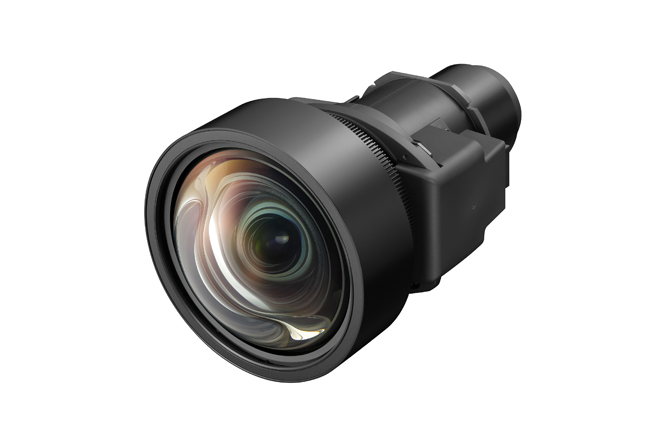
Zoom lens
ET-EMW200
0.480–0.550:1 (WUXGA)
-
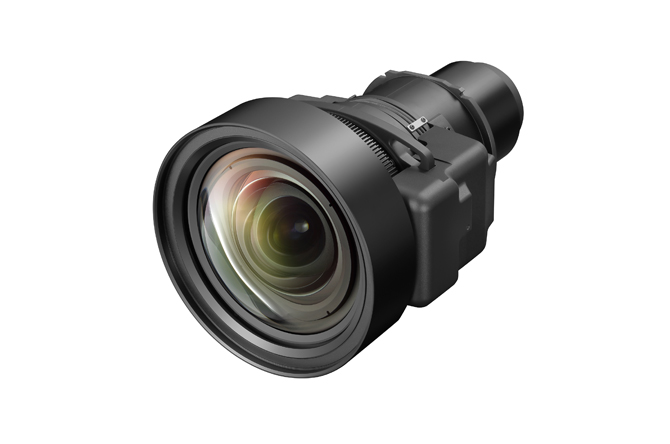
Zoom lens
ET-EMW300
0.550–0.690:1 (WUXGA)
-
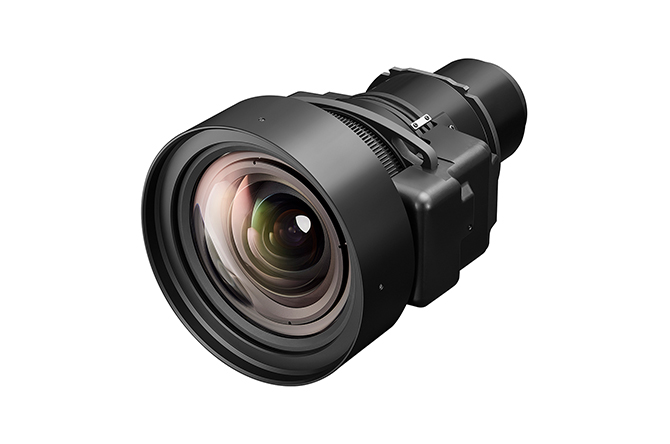
Zoom lens
ET-EMW400
0.690–0.950:1 (WUXGA)
-
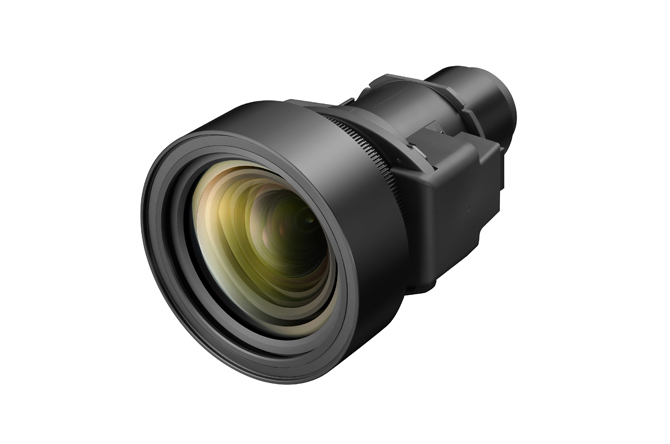
Zoom lens
ET-EMW500
0.950–1.36:1 (WUXGA)
-
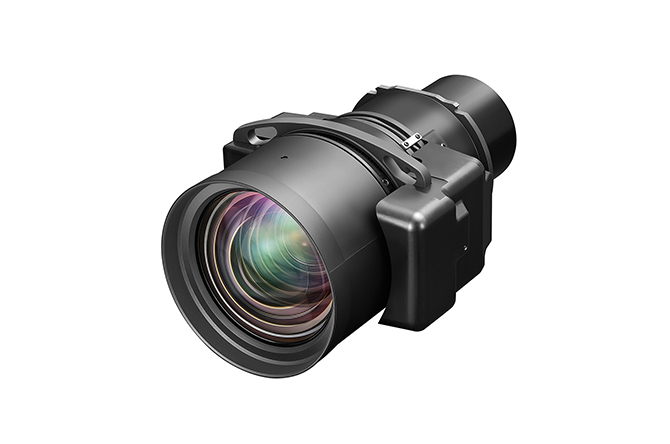
Zoom lens
ET-EMS6001
1.35–2.10:1 (WUXGA)
-
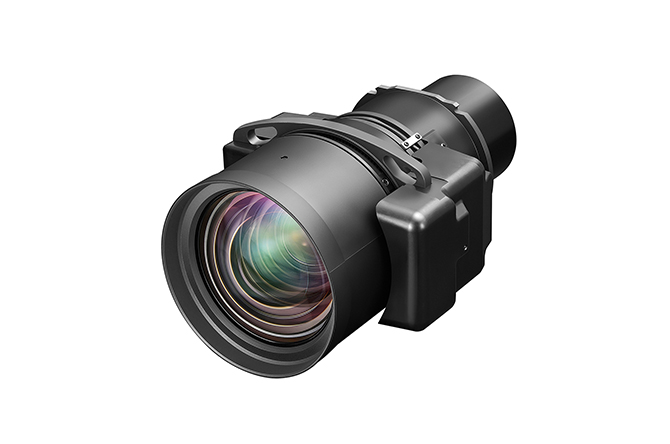
Zoom lens
ET-EMS650
1.35–2.10:1 (WUXGA)
-
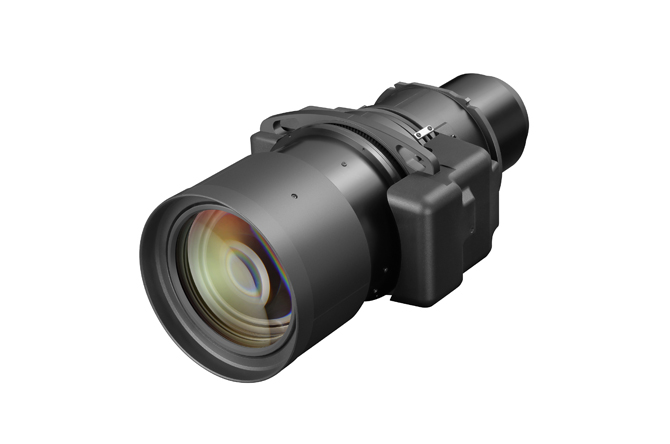
Zoom lens
ET-EMT7001
2.10–4.14:1 (WUXGA)
-
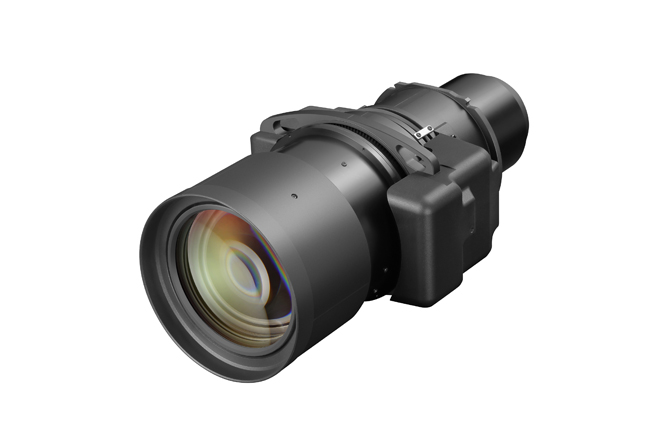
Zoom lens
ET-EMT750
2.10–4.14:1 (WUXGA)
-
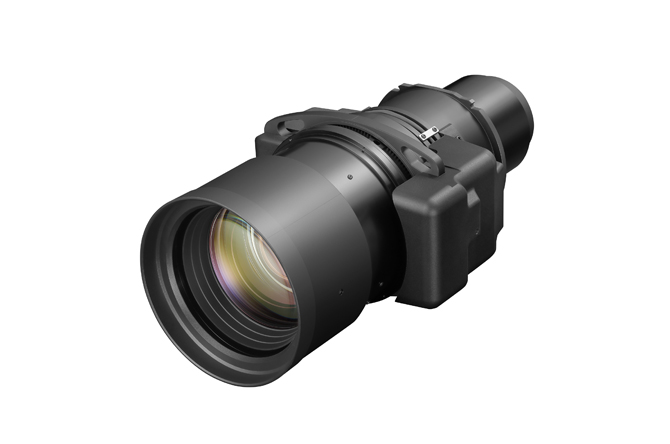
Zoom lens
ET-EMT8001
4.14–7.40:1 (WUXGA)
-
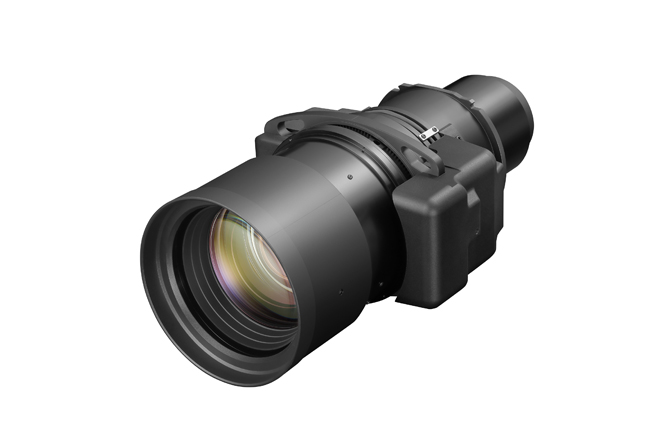
Zoom lens
ET-EMT850
4.14–7.40:1 (WUXGA)
1 ET-EMS600, ET-EMT700, and ET-EMT800 are compatible with PT-MZ17KL/MZ14KL/MZ11KL only. They cannot be used with PT-MZ20KL.
Filter
-

Replacement filter unit
ET-RFM100
Ceiling Mount Bracket
-
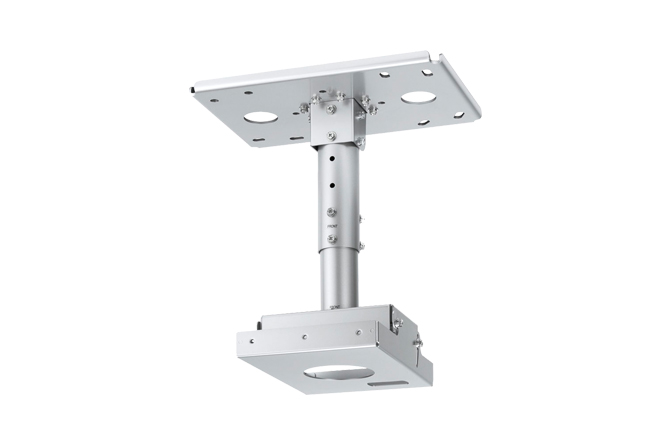
Ceiling mount bracket
for high ceilingsET-PKD120H
-
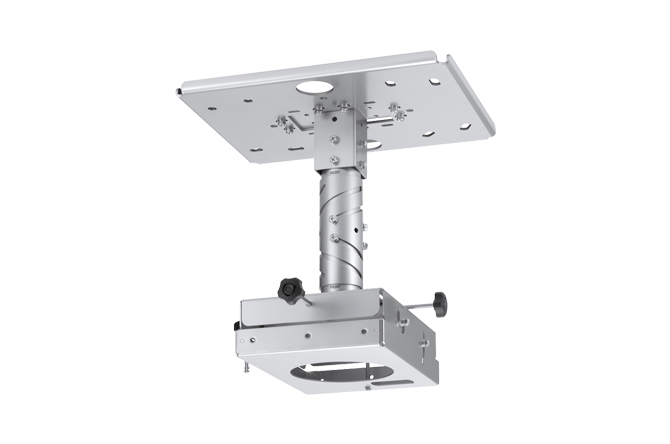
Ceiling mount bracket with
6-axis adjustment mechanismET-PKD130H
-
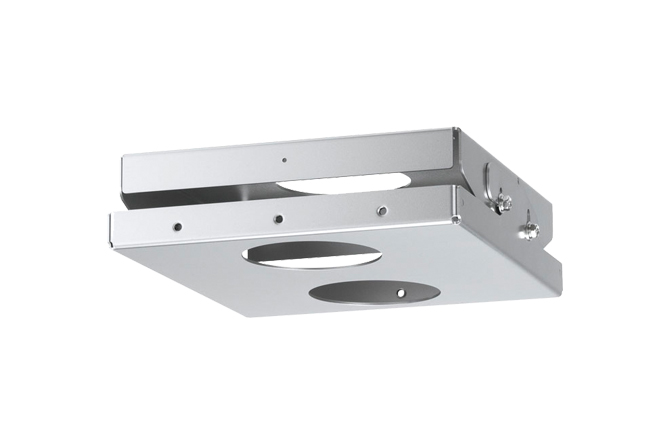
Ceiling mount bracket
for low ceilingsET-PKD120S
-
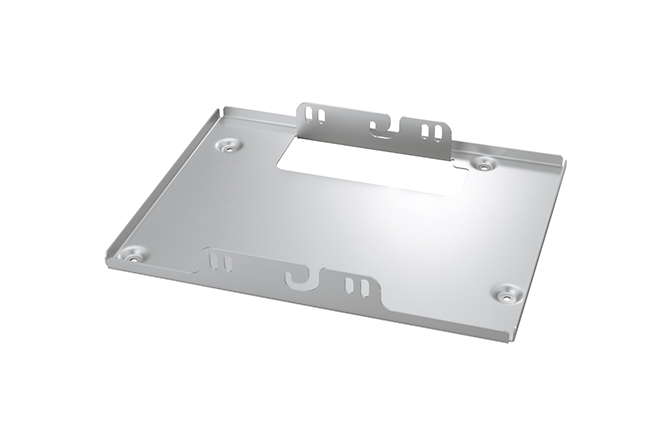
Bracket assembly
ET-PKE301B
Note: ET-PKD130H/PKD120H/PKD120S used in combination with the ET-PKE301B (sold separately).
NFC Upgrade Kit
-
NFC Upgrade Kit
Note: Product availability may vary by country or region. To use NFC function, Smart Projector Control App is required. Please check here for details.
Integrated Software Platform
-
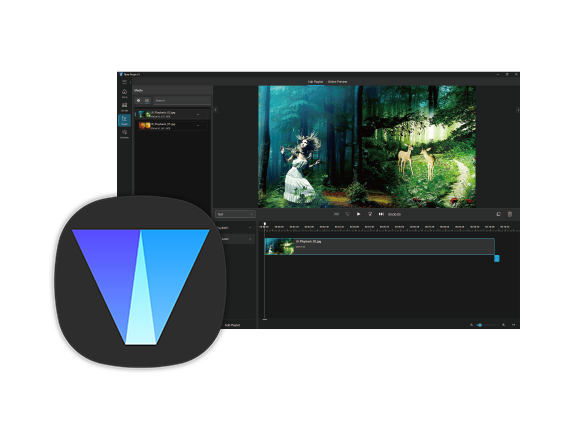
Integrated Software Platform
Note: Visual Software Suite is available free from PASS. For more information, visit the VSS webpage. Geometry Manager Pro is now integrated into Visual Software Suite. We recommend using Visual Software Suite with compatible projectors going forward.
Wireless Module
-

Wireless Module
AJ-WM50 Series
Note: Product availability may vary by country or region. The suffix at the end of the model number is omitted. Operating temperature: 0–40 °C (32–104 °F).
Wireless Presentation System (PressIT)
-
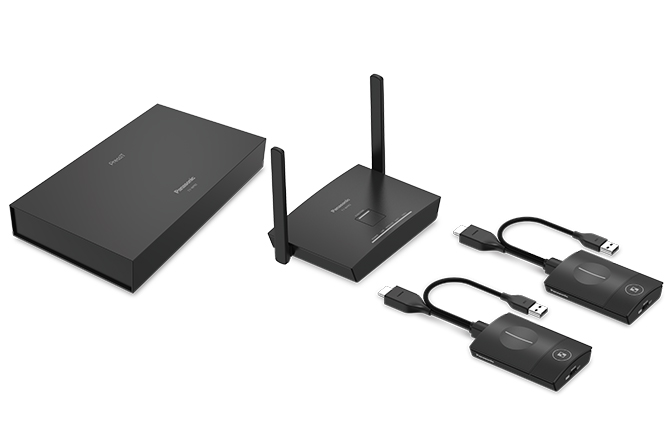
Basic set
Note: Availability may vary by country or region. Click here for more information.
Other